Apple II + FPGA = fun
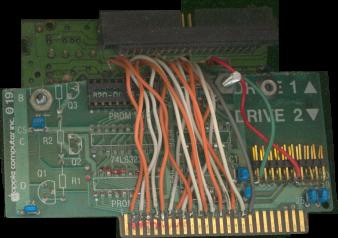
Apple II peripheral card pinout
6502 VHDL core
another 6502 VHDL core
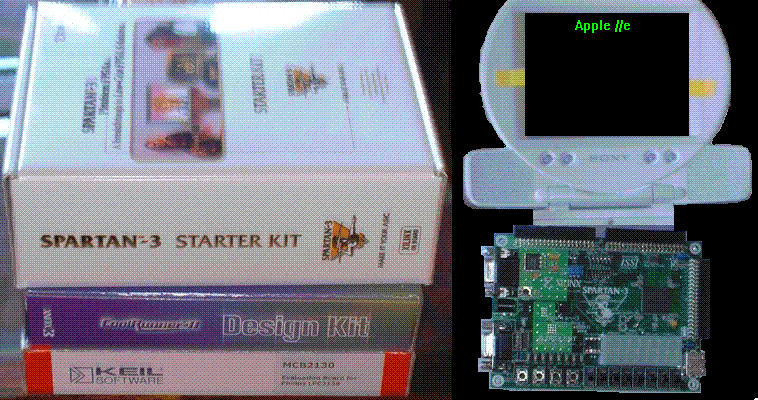
Apple IIe on one FPGA chip
Updated Apple IIe on one FPGA chip
PACE project (apple II and other machine emulator) by Mark McDougall
Gary Becker's Apple II on an FPGA
C-ONE configurable computer
Jorge Bieling's video card project
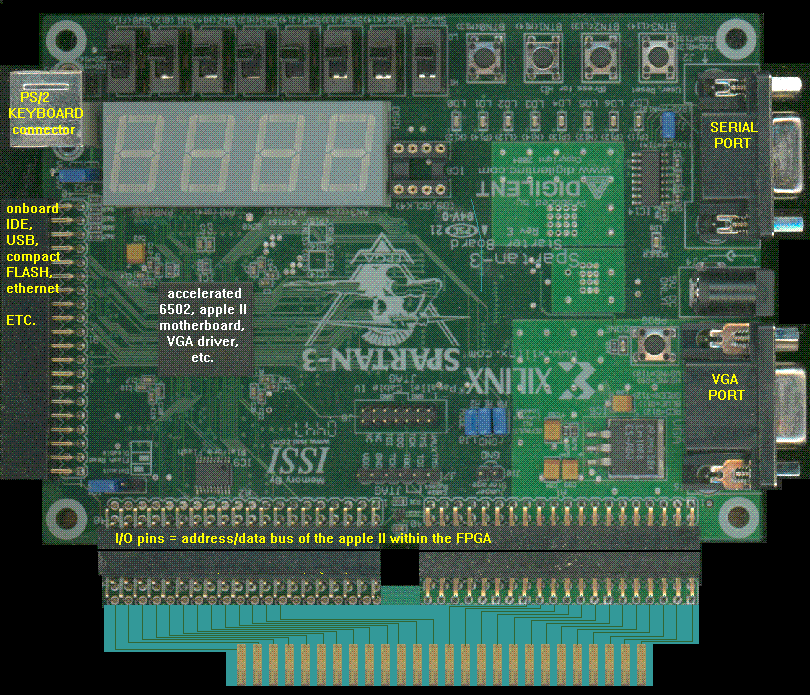
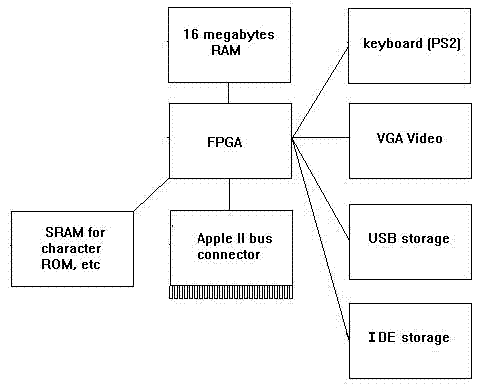
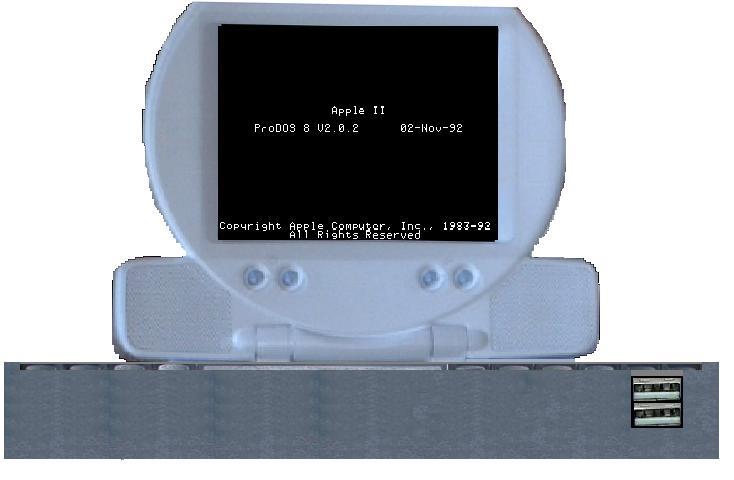
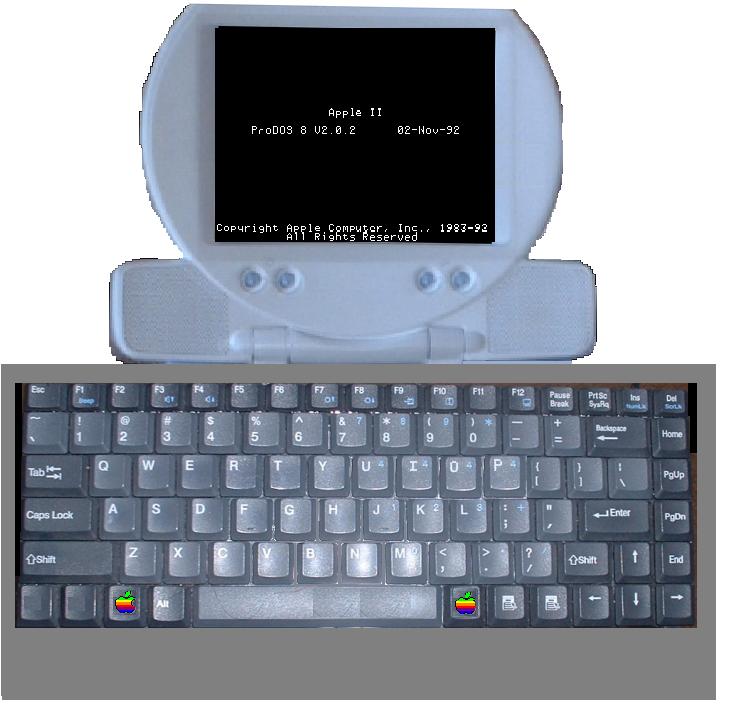
The FPGA will hold the 6502 + apple II motherboard
+ other peripherals.
A friend of mine has an ARM 6502 emulator that he
wrote in assembly, he gets 50mhz. 50Mhz is faster
than any of the FPGA-only projects I've read about
(above), and it relieves the FPGA of holding the
6502, leaving more room for other apple II
peripherals.
apple II:
Storage
USB: USB keys (memory sticks)
(atari guys have a driver for USB storage devices)
IDE storage
(CFFA, Focus, many others have schematics and code
for IDE interface)
Sound
Phasor (Mockingboard, Echo speech)
Speech recognition: Covox Voice Master emulation (I
have the schematic and software)
heuristic H2000 speech recognition; I have schematic
and software
stereo audio input (a/d converters)
stereo audio output (a/d converters)
Apple IIgs Ensoniq
Video
selectable refresh rate
new video modes:
-high resolution memory mapped (how to do color?)
-TMS9918(A) hardware sprite controller
-character ROM hooked to peripheral bus, or through
softswitch, so ROM can be changed by program
1)current apple II video mode data grabber/displayer
for VGA (off data bus)
2)new video modes like the VOC's IIgs SuperHighRes
mode
3)hardware sprite generator,
4)user definable character ROM in high resolution,
for display of high-res characters on 40X24 and
80X24 text modes (use winDOS fonts?)
5)user definable memory mapped text screen horiz/
vert size
6)user definable resolution and color depth
7)user definable "RAM to display" (bank#(s), memory
location(s))
Interrupt Generator
programmable interrupt generator (generate interrupts at
definable intervals, or interrupts based on peripheral
card status, or external interrupt input)
interrupt source register: define an address that holds
the ID # of the hardware that interrupted:
1)parallel card
2)serial card
3)counter1
4)counter2 etc
6522 emulation (has built in counters that could be used
for the interrupt generator)
Apple II bus connector
*** Apple II Bus connector on the edge of the new computer **
plug the new computer into an apple II, and it acts as an
accelerator... turns your Apple2 into a terminal. The
plug in computer has all the RAM, CPU, etc. Goes to APple
II bus for video updates (display video through II monitor),
and peripheral access (joystick, peripheral cards, cassette,
keyboard, etc)
Extra features
Save State button: copies all RAM contents to IDE or USB storage device
LOAD state button: loads RAM with copy from storage device, initializes CPU, etc,
Legacy support
Disk II, 5.25 DB drive, 3.5 800k support